
A walk-in freezer compressor dies on a Tuesday. You’ve got two options: eat the repair bill, or replace the whole unit for $6,500. You open QuickBooks to see what you can actually afford this month — and that’s when you realize you don’t trust a single number on the screen.
Maybe the Profit & Loss shows a number that doesn’t match what’s in your bank account. Maybe you scroll down and see a line called “Uncategorized Expense” that’s bigger than your rent. Maybe you just have a feeling, built up over months of staring at reports that don’t quite add up, that something in there is wrong.
Here’s the thing a lot of restaurant owners don’t realize: having QuickBooks isn’t the same as having usable books. Transactions can be flowing in from your bank feed every day, someone can be clicking “categorize” on all of them — and the resulting reports can still be telling you nothing true about your business.
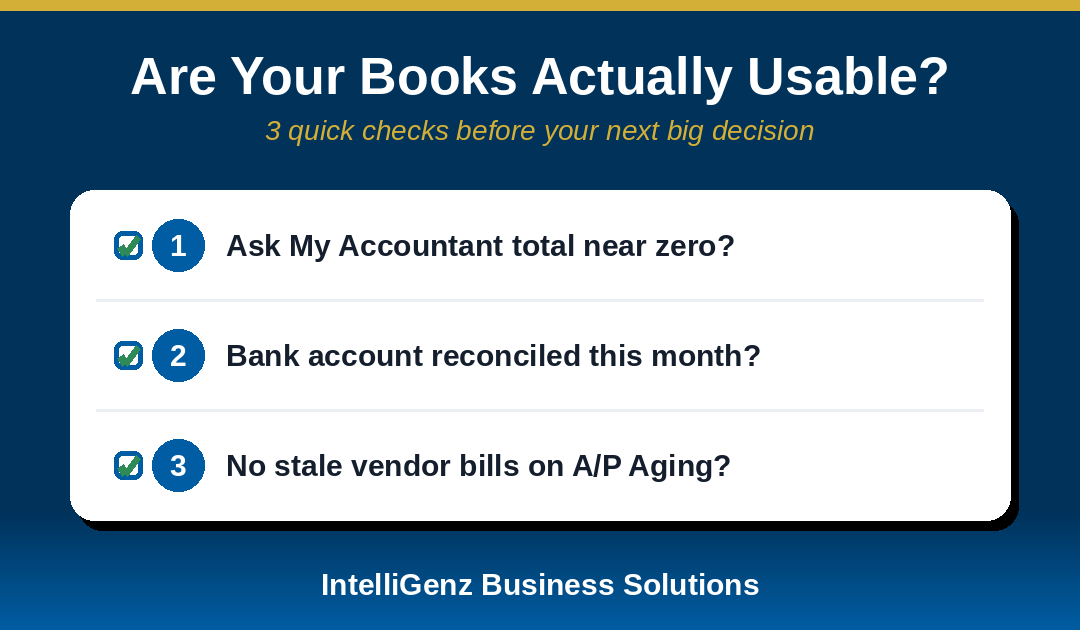
So before you make a decision that depends on your numbers — buying equipment, hiring a line cook, deciding if you can afford to close for a week — run these three checks first.
1. Look at your Uncategorized Expense and Ask My Accountant totals
Pull up your Chart of Accounts or your P&L and find these two lines. “Ask My Accountant” is a default QuickBooks category for anything nobody was sure how to code — and it’s supposed to stay near zero. If that number, combined with Uncategorized Expense, is bigger than a month of rent, your P&L is leaving out a real chunk of what actually happened in your restaurant.
2. Check when your bank account was last reconciled
Reconciling means matching every transaction in QuickBooks against your actual bank statement, line by line, until they agree. If that hasn’t happened in the last month — or you’re not sure it’s ever happened — the “cash” figure on your balance sheet is a guess, not a fact. You could be sitting on $8,000 less than QuickBooks says, and you wouldn’t find out until the walk-in dies and you go to write the check.
3. Run an Accounts Payable Aging Summary
This report shows every vendor bill still marked “open” — produce, linens, the POS system — sorted by how long it’s been sitting there. If you see bills from six months ago that you know you already paid, your books are carrying phantom debt. That makes your real financial picture look worse than it is, and it means nobody can trust your actual food cost percentage, because the bills never got closed out properly.
One more thing worth a look while you’re in there: personal purchases mixed into business accounts, or vice versa. It happens to almost every owner at some point — but if it’s happening regularly, it’s quietly distorting every report you pull.
If all three checks came back clean — genuinely, that’s rare, and you should feel good about it. If one or two came back messy, you’re not alone, and it’s not a reflection of how hard you’re working. It just means the books need a cleanup before they can actually tell you anything useful.
That’s exactly what a QuickBooks cleanup is for — going line by line until the numbers in front of you match what’s actually happening in your restaurant. Let’s take a look at where things stand — no pressure, no obligation.